
Create a training
What you’ll achieve: a published training your members can find and sign up for.


 Club Deportivo Phoenix


Administrator · Club ManagerSchedule → Add → Trainings. Pick a banner and name the series — the phone preview on the right updates as you type.
Administrator · Club ManagerTick every date of the series in “Pick your event dates” — here the five Thursdays in October. One set of times, place and capacity applies to all of them.
Administrator · Club ManagerTurn on Paid event, keep In-App-Payment and choose Phoenix’s Single Ticket “Clase suelta 2025 · 11.50 EUR”.Or instead: Your club doesn’t sell single tickets? No worries — choose Subscription based and sell subscriptions in your online store. Subscriptions →
Administrator · Club ManagerUnder Advanced Options, turn on Exclusive access, pick coach Paula and give her group “🔒Mixto 🔅 A2/B1 · Bogatell” Preferred access. Everyone else lands on the waitlist.Or instead: Restrict the sessions to a club level instead, or attach a form every member fills in when signing up. Level restrictions → · Build a form →
Administrator · Club ManagerPublish, confirm the five new events — and the whole series is live in one go.
Member · the appNora opens the app: under Your Groups she is a Member of Paula’s group. The members list shows the seven players — her photo among them.
Member · the appThe new Thursdays appear in the group’s events, marked Closed Group. Nora taps Participate, pays the 11.50 € through Stripe and her spot is confirmed.
Prerequisites: a created club and the Schedule / Events edit permission.
Watch it
Section titled “Watch it”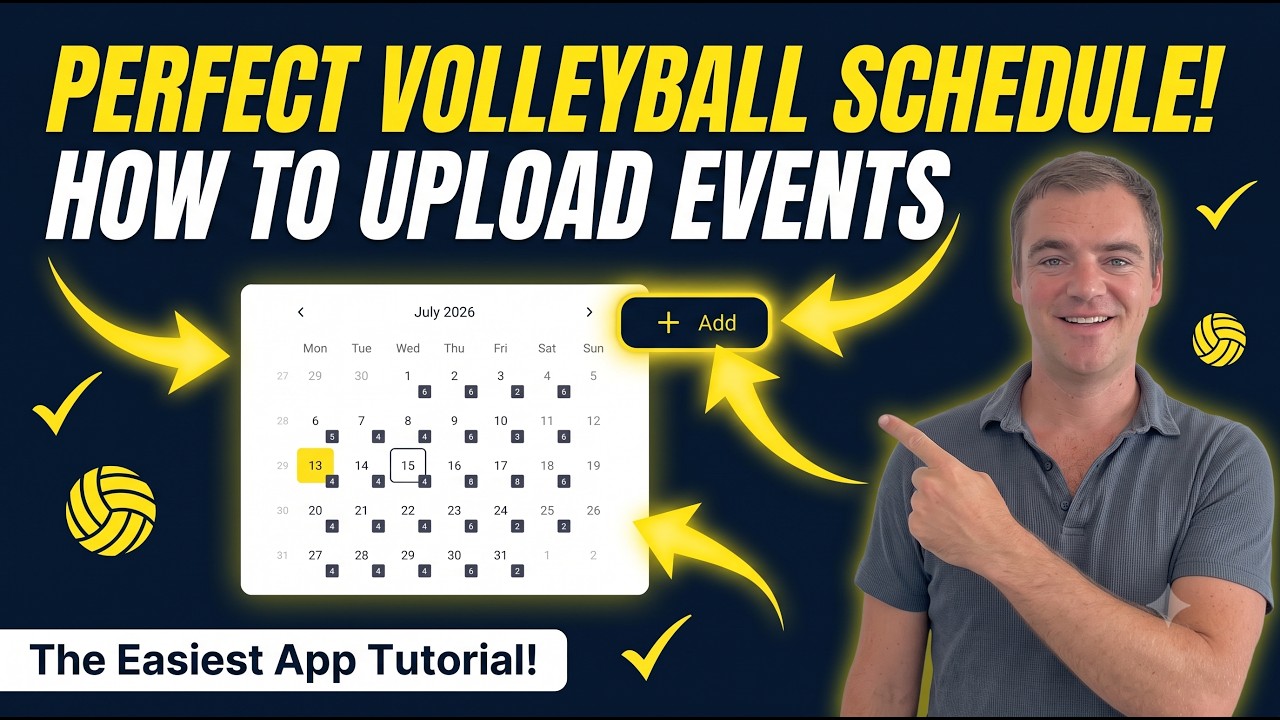 Loads YouTube only when you press play
- Open the Schedule tab and tap Add.
- Step 1: Select Volleyball Type — pick the sport (skipped if your club offers only one).
- Choose the event type. For a training, pick a non-competition type.
- In the editor (Add new event!), under Event basics enter an Event Name (5–40 characters) and a description.
- Set the date. For a non-competition event, the date row opens Pick your event dates — select one date for a single session, or several for a recurring series, then Save.
- Set the Location, Start and End times, and under Capacity the Max Athletes.
- Choose the organizer and gender, and under How do participants pay? pick Free, In-app payment, Pay at the club or Included in the membership — which one fits is explained below. Then pick the visibility, which is worth getting right:
- Public — the event appears in the public event calendar; anyone can see it.
- Private — all reservations go to the waitlist and you confirm each one manually, whatever your other settings say.
- Members only — it only appears in the public calendar for your confirmed club members.
- Unlisted — it only appears in the public calendar for your staff; everyone else can join it only through a special link you share.
- Tap Publish.
How your members can pay for the training
Section titled “How your members can pay for the training”Every club has to answer one question: how do your players pay for their sessions? Subscription only, with a monthly or quarterly fee? Do players pay separately for each class? Or do you give your members both options? You can set it up exactly the way your club needs — even differently for each training in your schedule.
Club Manager price option: Included in the membership
- Member with an active subscriptionSigns up — nothing to pay
- No active subscriptionSees a warning, can still sign up
Club Manager price option: In-app payment
- AnyonePays the ticket by card, Apple or Google Pay
- Holder of a training packageSpends 1 credit instead
Club Manager price option: In-app payment + subscription with package
- Member — subscription grants creditsSpends 1 credit, pays nothing extra
- Drop-in playerPays the 11.50 € ticket
- They pay with a subscription they have in your club. Members pay a monthly (or yearly) fee, and the training is simply included. In the editor, choose Included in the membership. The player sees Subscription as the price and signs up without paying. Best for fixed training groups of regular members. → Training included in a subscription
- They pay per session, with a single ticket or a training package. Choose In-app payment and attach a single ticket. Players pay the ticket price when they sign up, or spend one credit from a training package they bought. Best for open sessions and drop-in players. → Pay per session: tickets and training packages
- A mix of both. The training has a ticket price for everyone, and your members are covered through their subscription: it grants them a fresh training package every billing period, so they pay with a credit instead of the ticket. Best when members and drop-ins train together. → Mixed: members included, drop-ins pay
Read the transcript
With a subscription, members sign up once and pay automatically every month or season until they cancel, which takes effect at the end of the period. While buying, they fill in your sign-up form. And it can include a number of sessions each period.
Read the transcript
With a training package, players buy, say, five or ten sessions and use them on any of the club's trainings until the end date, or for thirty days if there is none. You can also hand out a package yourself when someone pays cash.
Read the transcript
With a single ticket, players pay for one training right when they sign up, directly in the app. No subscription, no package: perfect for people who come now and then.
Read the transcript
Free or pay at the club: nothing is charged in the app. If people pay cash or by transfer, you mark in the app who has paid. And for this you don't need Stripe, so you can start today.
Troubleshooting
Section titled “Troubleshooting””Check event information”
A required field is missing or out of range. The event name must be 5–40 characters and Max Athletes between 1 and 999.
The recurring date picker didn’t appear
Recurring dates are only offered for non-competition events. Competition events use a single date or date range instead.